Every group. Every plan. One calendar.
Run a group, host an event or just show up. Everything lands on one calendar by itself, next to your own plans and what’s on near you.


One Skeddo. Four ways in.
Pick the one that sounds like you.
Run your group. Everyone’s calendar stays current.
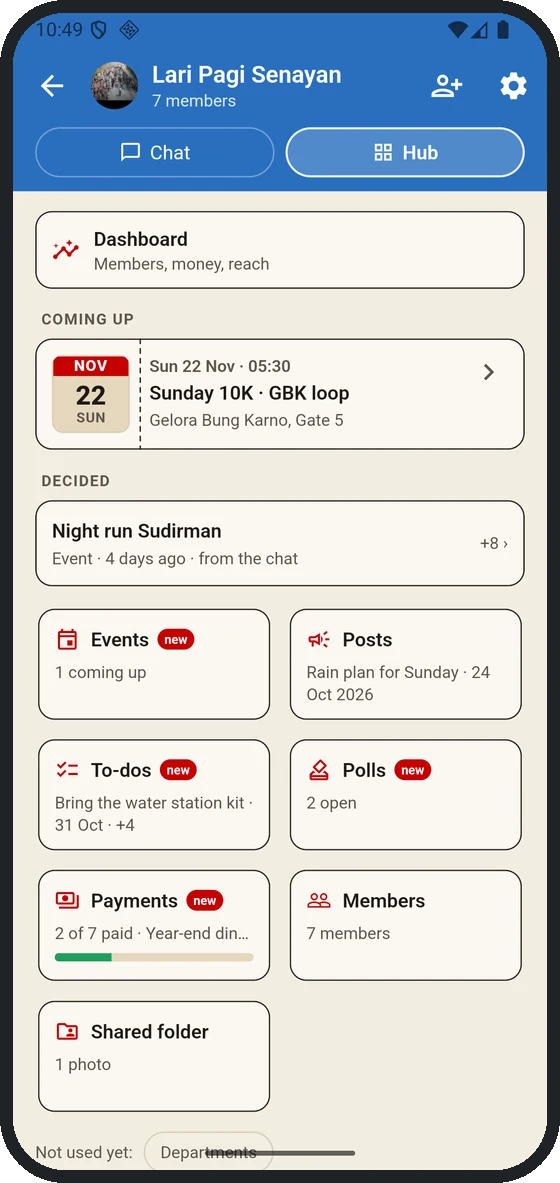
Make the event once. It lands on every member’s calendar and moves with you when plans change.
- One event, every calendar. Members see it as soon as you post it, and in their phone’s calendar too if they switch that on. Move the time and the people going are told.
- Dues without the spreadsheet. Members transfer to your group’s own account and tap I’ve paid. The treasurer confirms.
- The admin side. Roster, departments and roles, a shared folder, to-dos, polls and QR check-in at the door.
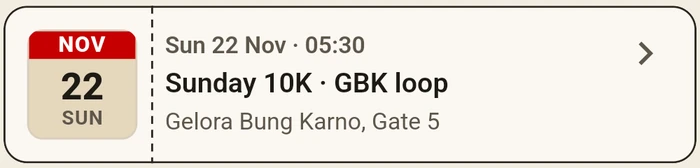
Got a poster? That’s your event page.
Drop in your event poster. Skeddo reads the date, the time and the place, and shows you the event page before you sign up.
- One link to share. People open it in the browser, see when and where, and RSVP. No install.
- On Discover when you say so. Make the event public and people nearby can find it.
- Tickets and the door. Buyers pay into your own account, get a QR ticket, and you scan them in. The people who came stay with you.
Turn followers into people who show up.
Your classes, meet-ups and live sessions get a public channel. People follow it once and see what’s next.
- One link for your bio. Your channel shows your next events and your posts, and anyone can follow from the browser.
- Posts that reach followers. Post an update or a new date and it lands in every follower’s Skeddo.
- A blue tick you earn. A person at Skeddo checks the channel. It can’t be bought.
Say yes once. It’s on your calendar.
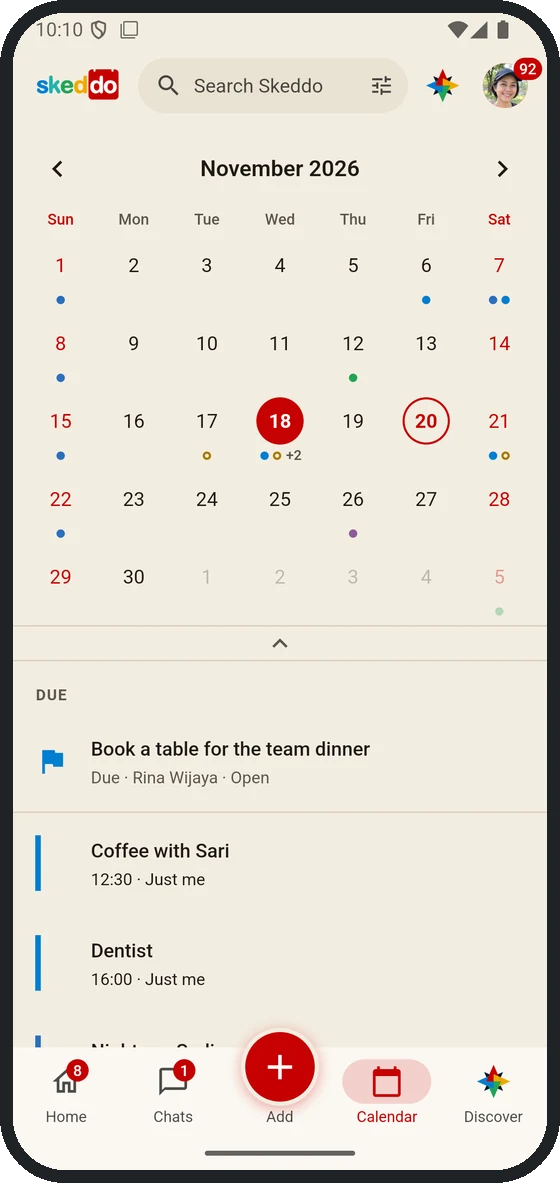
No group to run, nothing to set up. Skeddo keeps the plans you’ve said yes to in one place.
- Your groups’ events, your own plans and your phone’s calendar, together.
- Plans with friends. Dinner, a trip, a game. You don’t need a group to make one.
- What’s on near you. Discover shows public events around you, and following a channel keeps you posted.
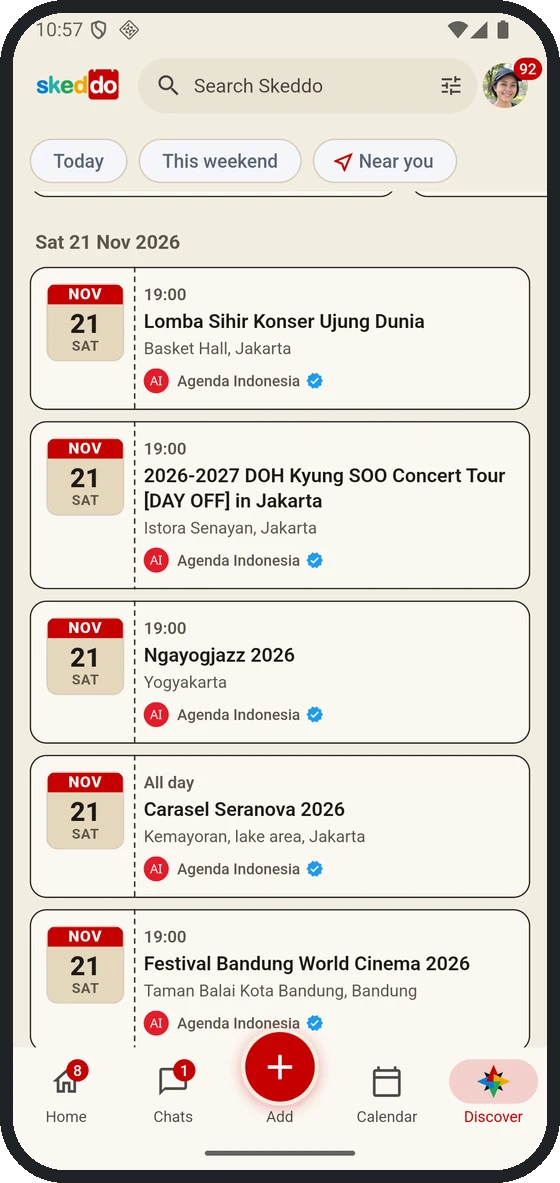
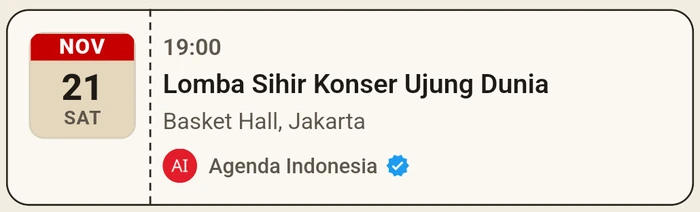
310+ public events to discover across 35+ cities and regencies, gathered from organisers’ own pages and updated live.
Run public events? Put them on Skeddo, or claim the ones already listed →
Everything you said yes to. One place.
Futsal on Saturday, the alumni meeting, book club, the dentist. You don’t keep one app per club.
- Every group’s events, on the right day. Say yes once and it’s on your calendar.
- Your own plans and to-dos, and your phone’s calendar, read on your phone and never uploaded.
- On your home screen as a widget, with what’s on near you one tap away in Discover.
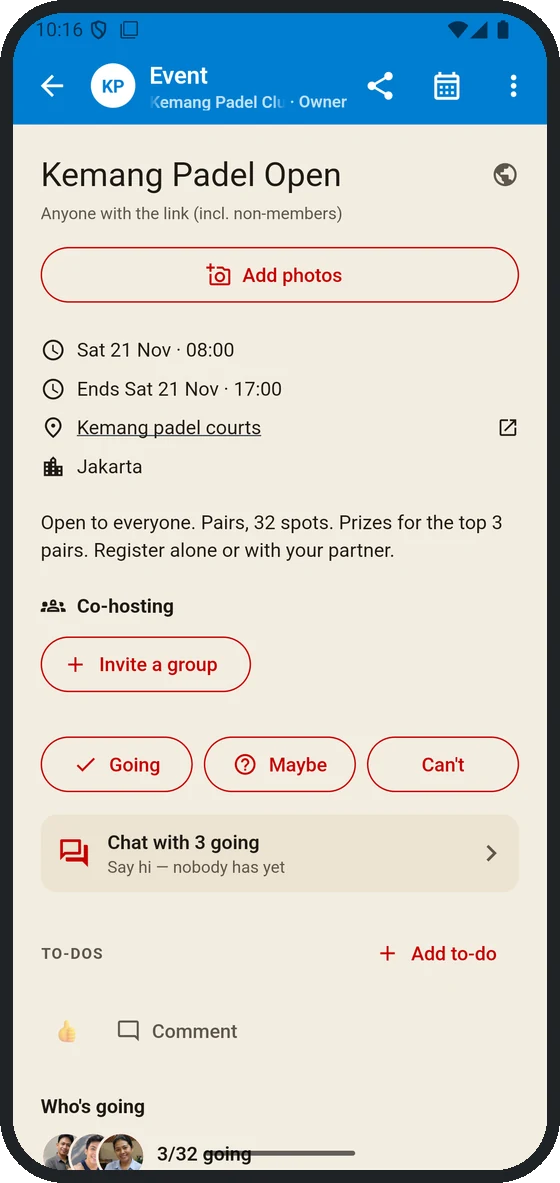
What needs you, first.
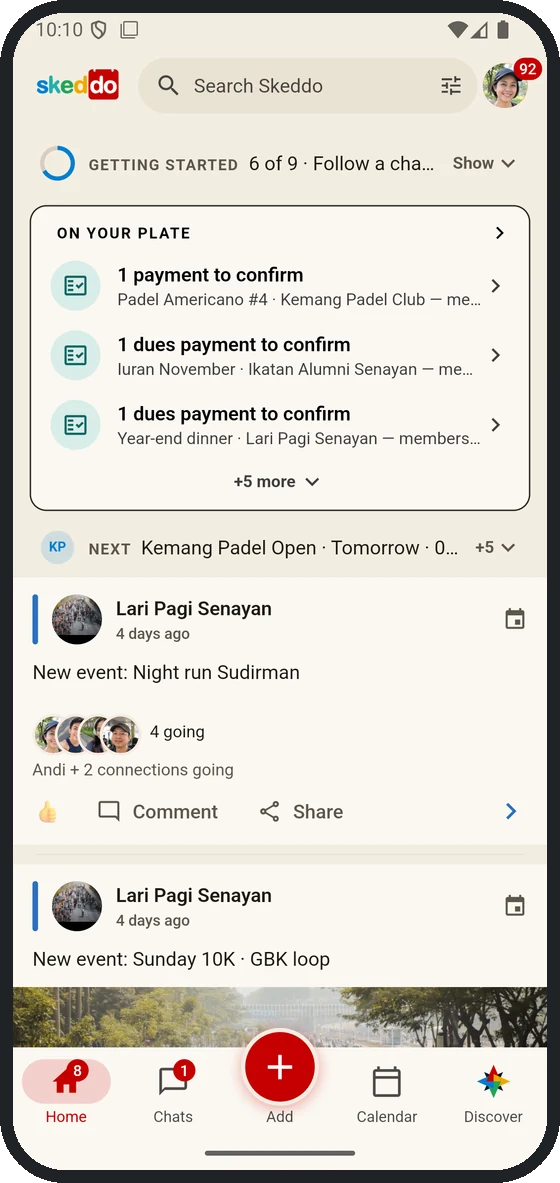
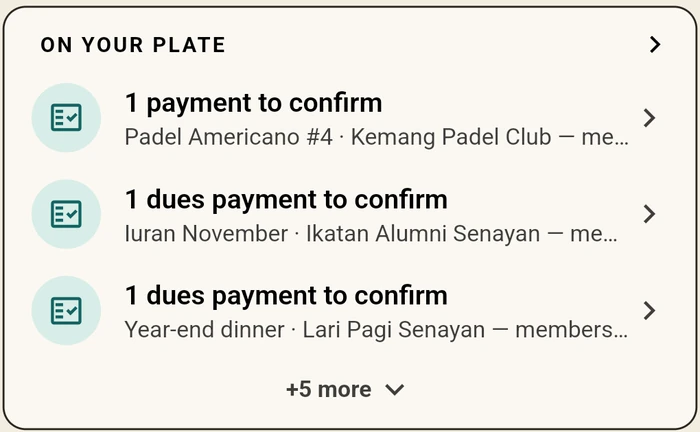
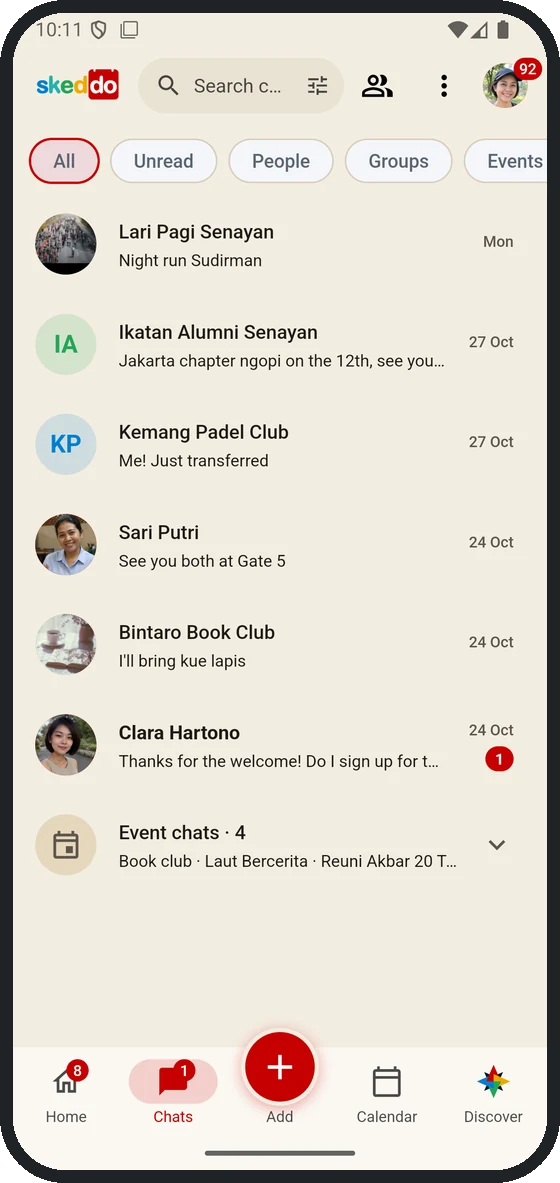
The top of Home shows only what’s waiting on you. Each row leaves when it’s done.
- A payment to confirm, or dues you still owe
- Someone asking to join your group
- “Still coming?” when an event you’re going to moves
Plans don’t sink in the chat.
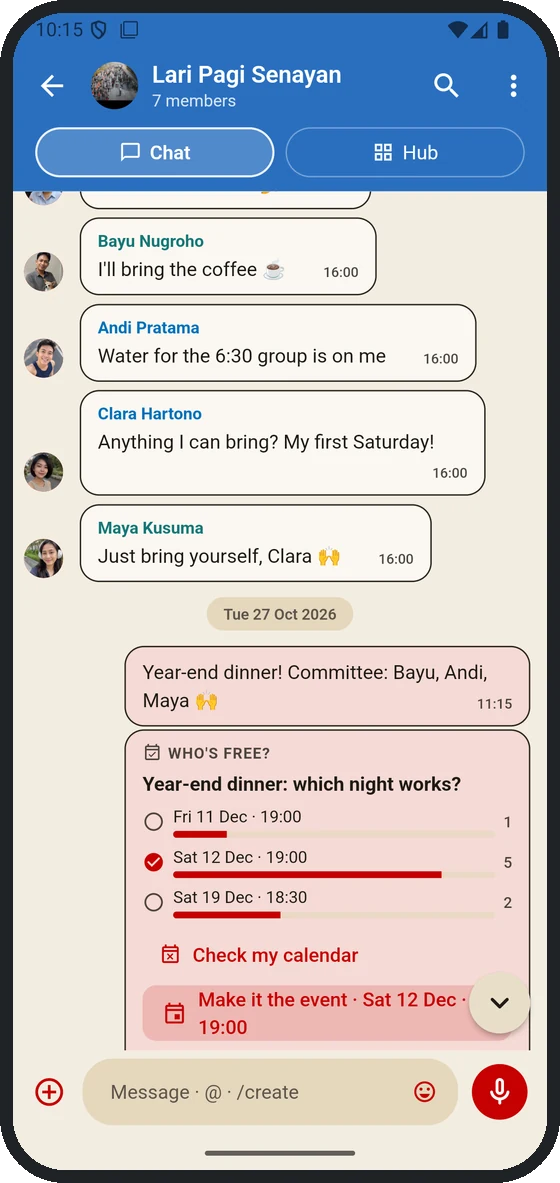
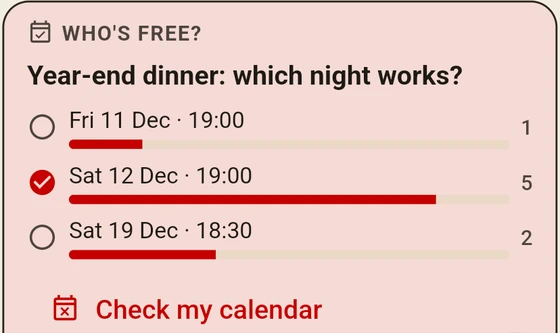
Events, polls and to-dos sit in the chat as cards you can tap, so the plan never gets buried.
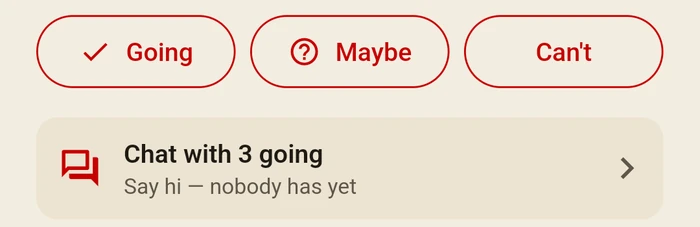
- Tap Going on the event card, vote on the poll, without leaving the chat
- Hold any message and turn it into an event, a poll or a to-do
- A room for the group, each department and every event
Send one link. That’s the invite.
Every event has its own page. Share the link in any chat and people open it in the browser, no install needed.
- Who’s coming, when and where, with a map link
- Open to everyone, to your members, or to anyone with the link. Outsiders see only what you choose.
- RSVP from the page, then it’s on their calendar
Make it look like yours.
Eighteen looks, each with a day side and a night side, plus seasonal ones for Eid al-Fitr and Christmas. Or build your own from two colours. Five of them, below. Your look follows you to every phone you sign in to.
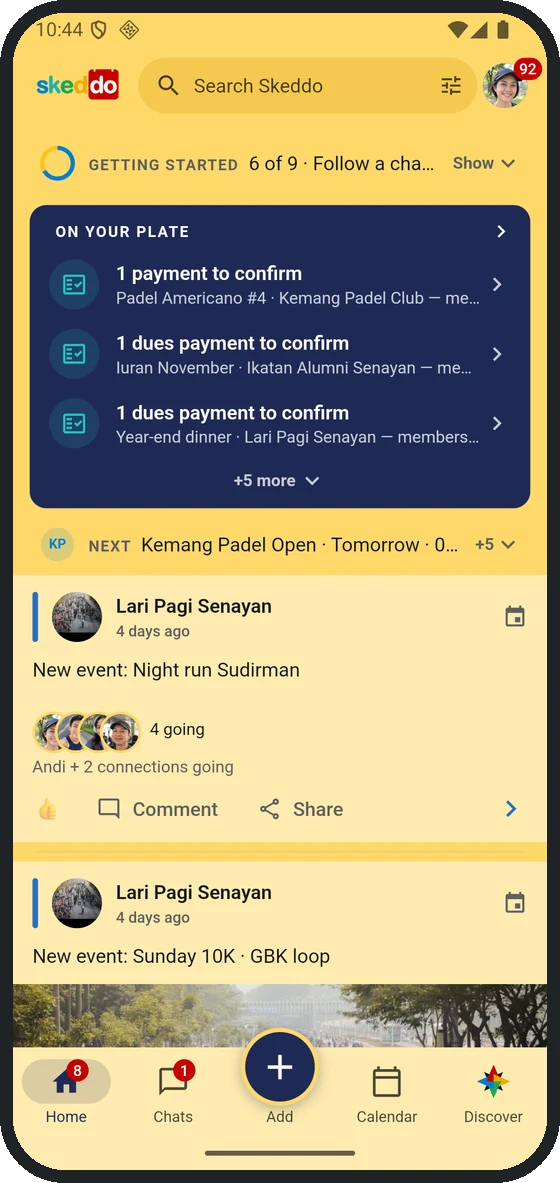
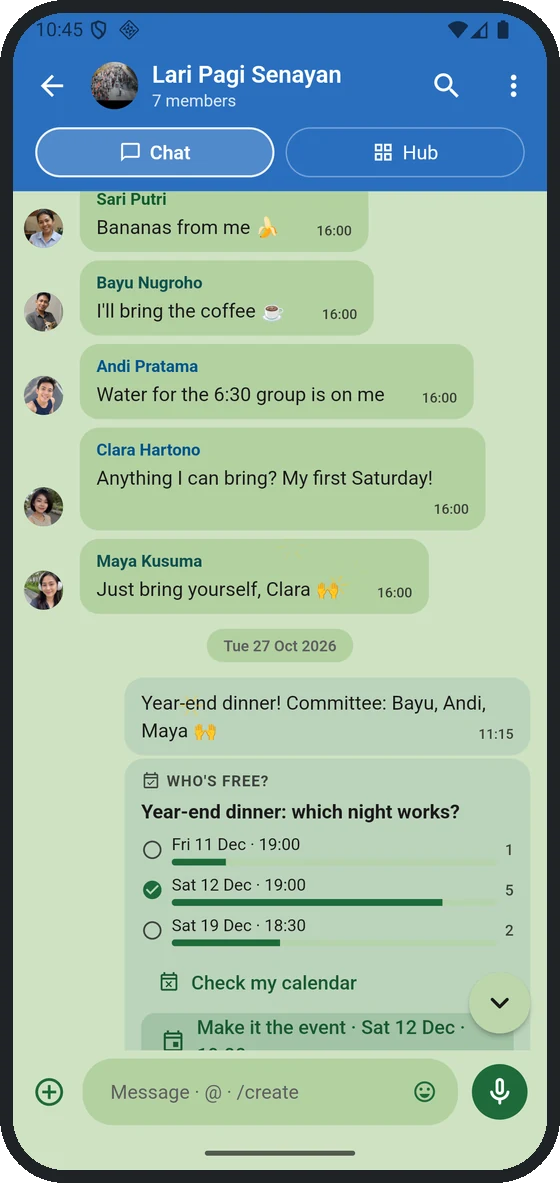
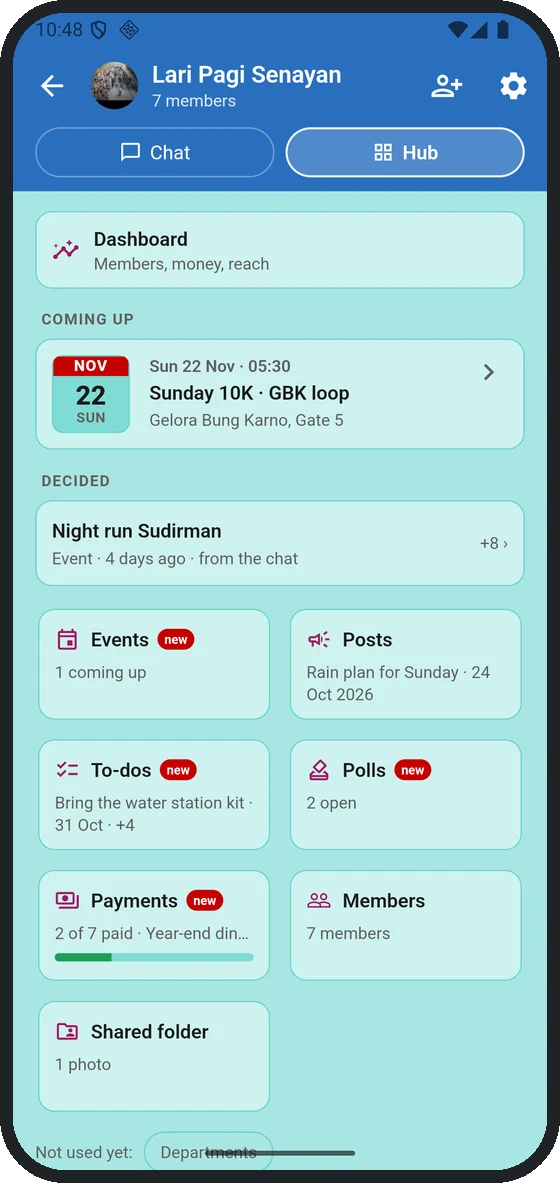
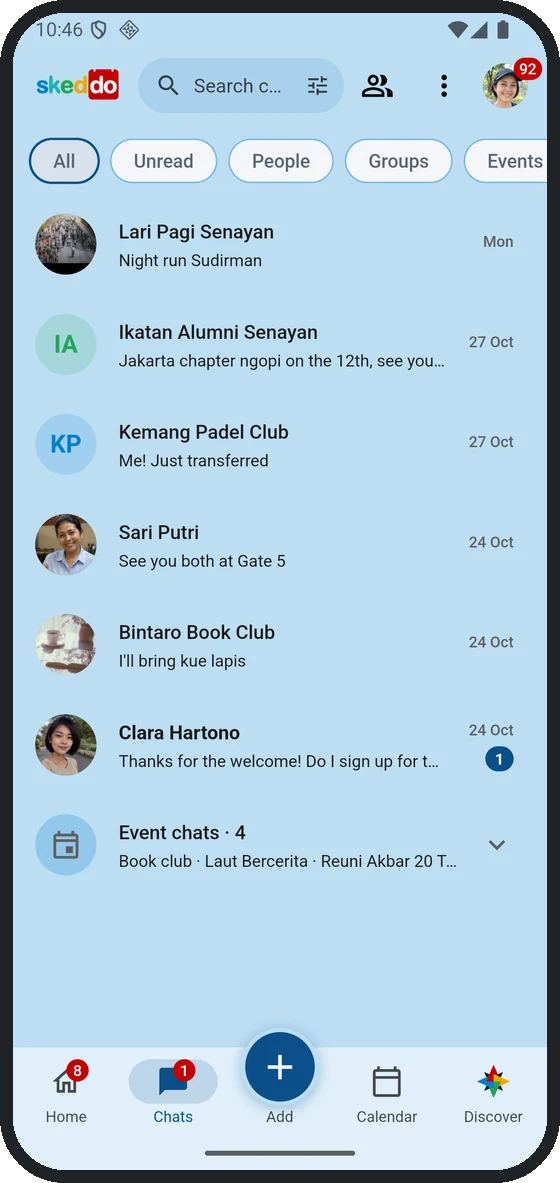
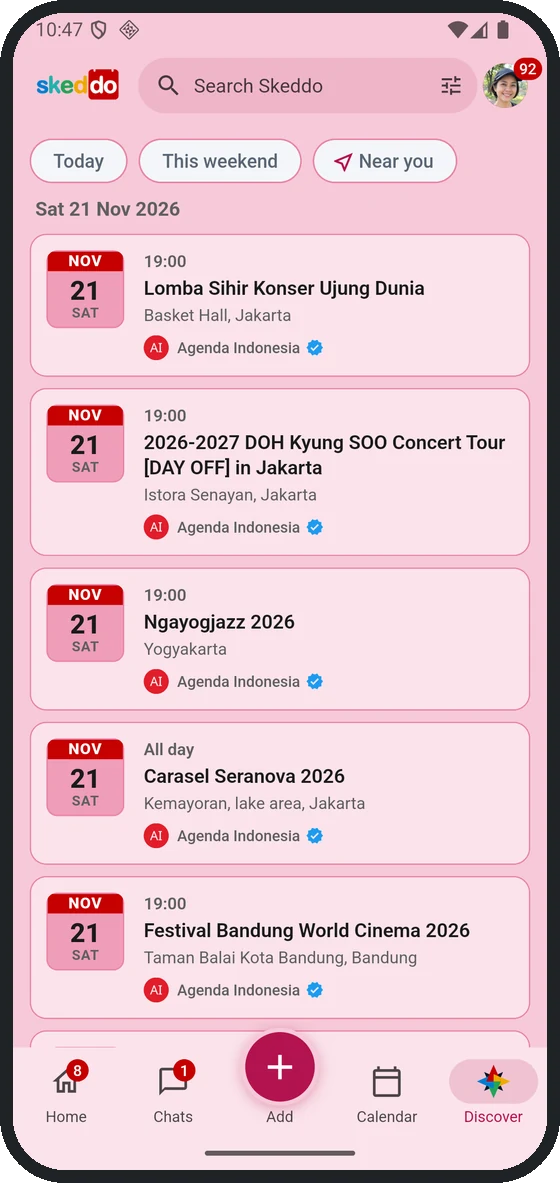
Pick one in Settings → Theming
Four tools, or one place.
Most groups run on a group chat, a sign-up form, a dues spreadsheet and a ticketing site, and plans fall through the gaps between them.
The plan sinks under two hundred messages.
Hold a message and turn it into an event, a poll or a to-do. It won’t get buried.
Answers in one place, the headcount in another.
RSVP and questions on the event itself, the headcount live.
“Who hasn’t paid?”, every month, by hand.
Members tap I’ve paid, the treasurer confirms. One glance.
The people who came are gone the day after.
Tickets come from a link, and the people who came stay in your group.
Built for the groups people actually run
The same app, whatever your group looks like.
Know who’s real
Anyone can start a group. Skeddo shows you which ones have been checked.
A blue tick you earn
A person at Skeddo checks the group, and the one responsible for it signs. The blue tick can’t be bought.
Claims come with proof
To take over a listed event, an organiser puts a code on their own website or Instagram bio, or gets one by e-mail at their own domain.
A person reads every report
Report a post, an event, a group or a message, and it reaches Skeddo’s team. Someone reads every one.
Free for every person and every private group.
No plan to pick, nothing to pay. Organisers and businesses that want to reach communities will get paid tools later; the free part stays free.
Your groups, on your calendar.
Open Skeddo, join or make your group, and your calendar starts filling in. On iPhone, Android or the web.
Got an event poster? Turn it into an event page →